Remember Everything.
Find Anything.
Your second brain for articles, PDFs, images, audio, and notes. Save trusted sources once, then ask AI over your own knowledge base.
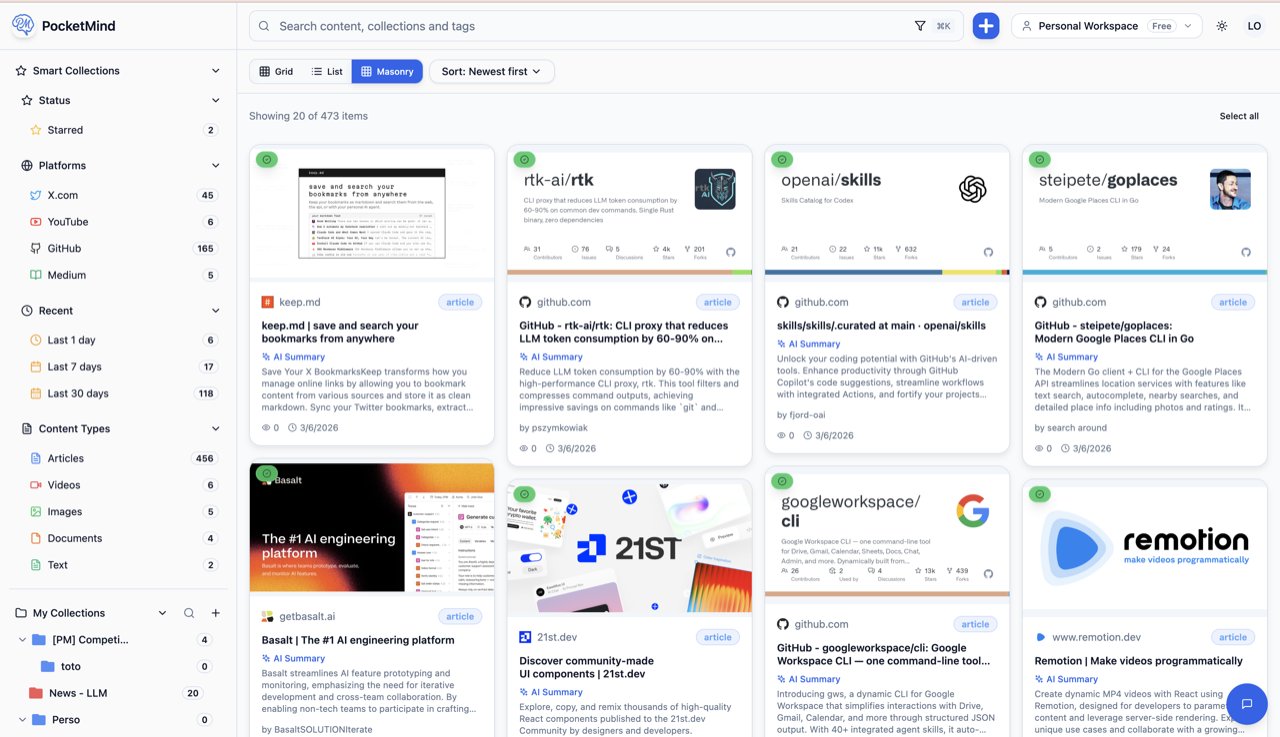
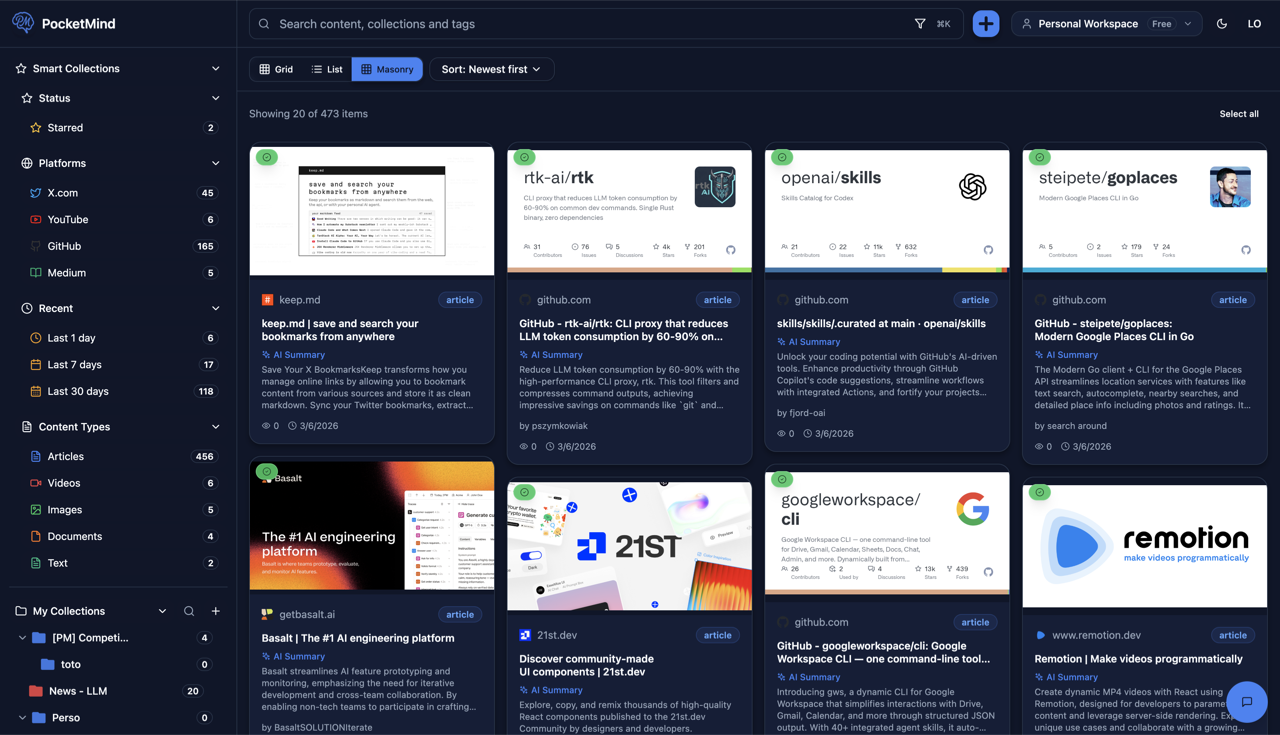
How It Works
Save once, organize automatically, and get AI answers grounded in your own sources
Save from Anywhere
Use the web app or mobile PWA to save content. Chrome extension and MCP server coming soon.
- ✓Web form for quick saves
- ✓Install as mobile PWA and share from your phone
- ✓Chrome extension (coming soon)
- ✓MCP server for agents & automation (coming soon)
AI Organizes Automatically
Our AI analyzes, tags, and organizes your content based on your preferences.
- ✓Automatic tagging with confidence scores
- ✓Smart collection suggestions
- ✓Content summarization
- ✓Duplicate detection
Get Grounded Answers
Semantic search, filters, and smart collections help you find what matters and ask AI over your saved sources.
- ✓Search by meaning, not just keywords
- ✓Search within audio transcripts
- ✓Advanced filters and sorting
- ✓Ground answers in your saved knowledge base
No credit card required - Full access during beta
What You Can Save
Web pages, PDFs, images, audio, notes — save it all. Build a trusted knowledge base you control, even if the original source goes offline.
Articles & Web Pages
Save any webpage with original formatting and reader mode. Hosted on our servers, available even if the original goes offline.
PDFs & Documents
Upload PDFs with native text extraction and OCR for scanned documents. Fully indexed and searchable.
Images
AI analyzes your images and extracts text with OCR. Screenshots, photos, diagrams — all searchable.
Audio
Upload audio files with automatic transcription. Podcasts, voice notes, meetings — all converted to searchable text.
Notes & Text
Write in markdown with an AI-powered editor. Create notes, drafts, and documents that integrate with your knowledge base.
Videos
Save video content with automatic transcription and key frame extraction. Search through spoken content.
How to Connect
Connect Claude, ChatGPT, Cursor, or build your own integration to query your own saved sources everywhere.
Web App
Browse, search, and chat with your saved markdown in the web app.
Mobile PWA
Save links from your phone via the browser. Offline support included.
MCP Server
Connect Claude, Cursor, Windsurf, and other MCP-compatible tools directly to your content.
Chrome Extension
Save any tab with one click or keyboard shortcut. Content extracted as clean markdown.
REST API
Full REST API. List, search, and retrieve your bookmarks programmatically.
CLI Tool
Command-line interface for power users. Script and automate your workflow.
Ready to Build Your Trusted Knowledge Base?
Save trusted sources once, then ask AI over your own content. Free during beta.
No credit card required